Table of Contents
Steps to remove unused Tags #
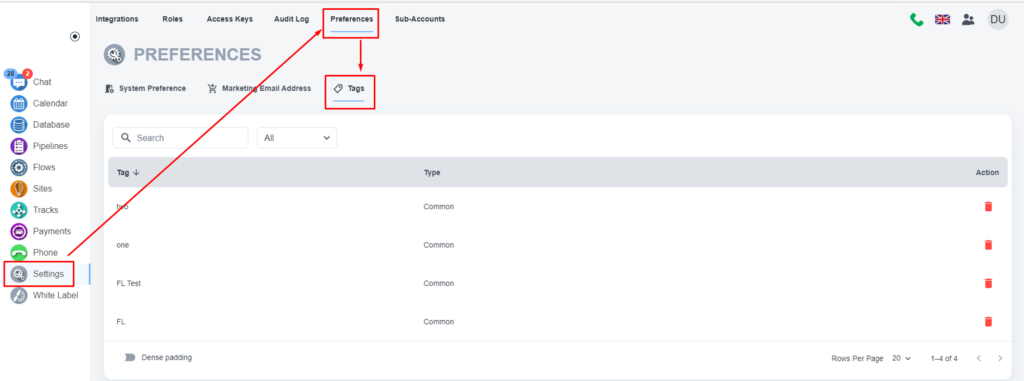
Please, navigate to the ‘Settings’ on the left menu bar.
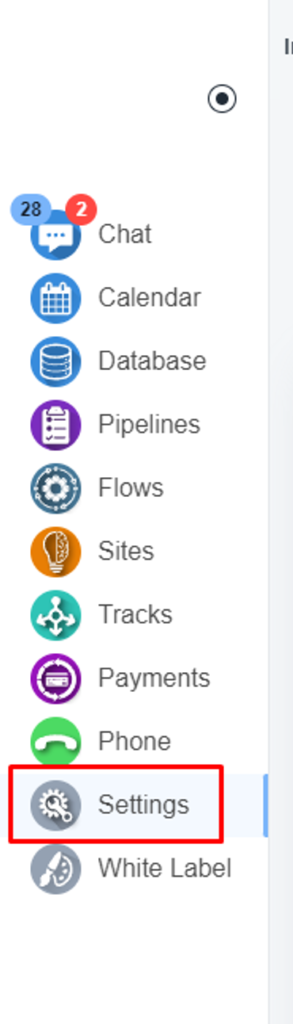
Once the setting page is opened, please, click on the ‘Preferences’ on the top menu bar.

Under the ‘Tag’ tab, you will have the option to remove unused tag/s.