CRM Help Docs
Home
CRM Help Docs
View Categories
Home
Docs
My Account
How to change your screen mode?
How to change your screen mode?
< 1 min read
Listen
0:00
/
0:10
1×
Copy page
Copy page
Copy this page as Markdown for LLMs
View as Markdown
Open this page as plain Markdown
(opens in a new tab)
Open in ChatGPT
Ask questions about this page
(opens in a new tab)
Open in Claude
Ask questions about this page
(opens in a new tab)
Open in Google AI Studio
Ask questions about this page (Google account required)
(opens in a new tab)
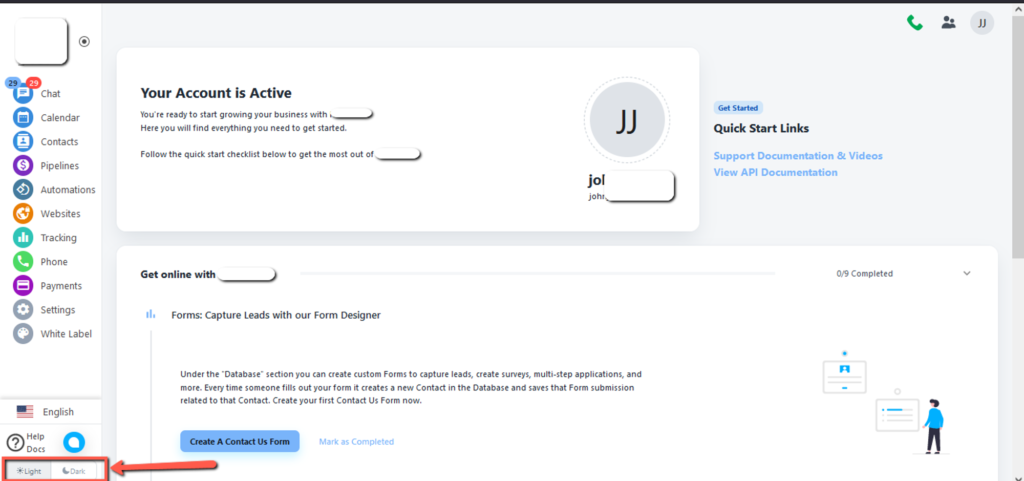
At the bottom of the page, two options light and dark. here is the view of light mode.
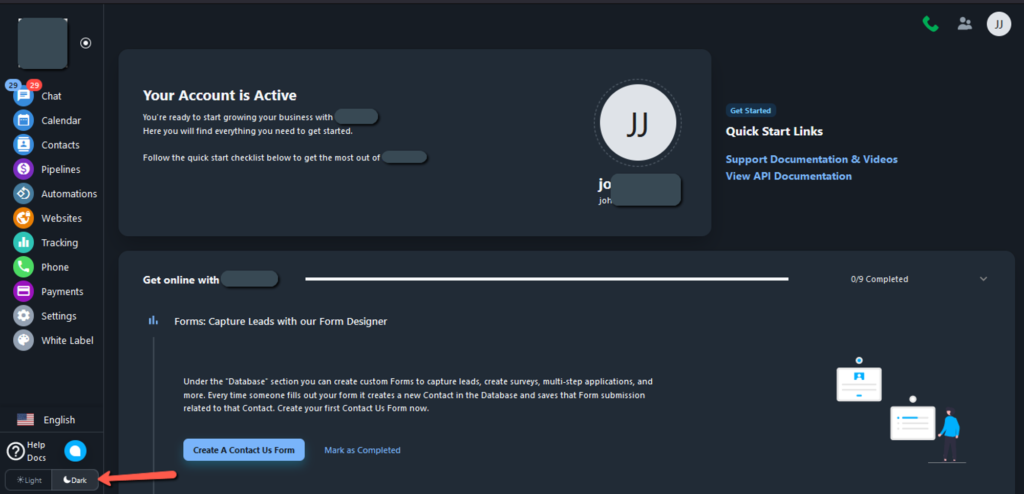
2. When you select Dark, here is the view of dark mode.
How to change language in Account?
How to change the Email Address of the Account?